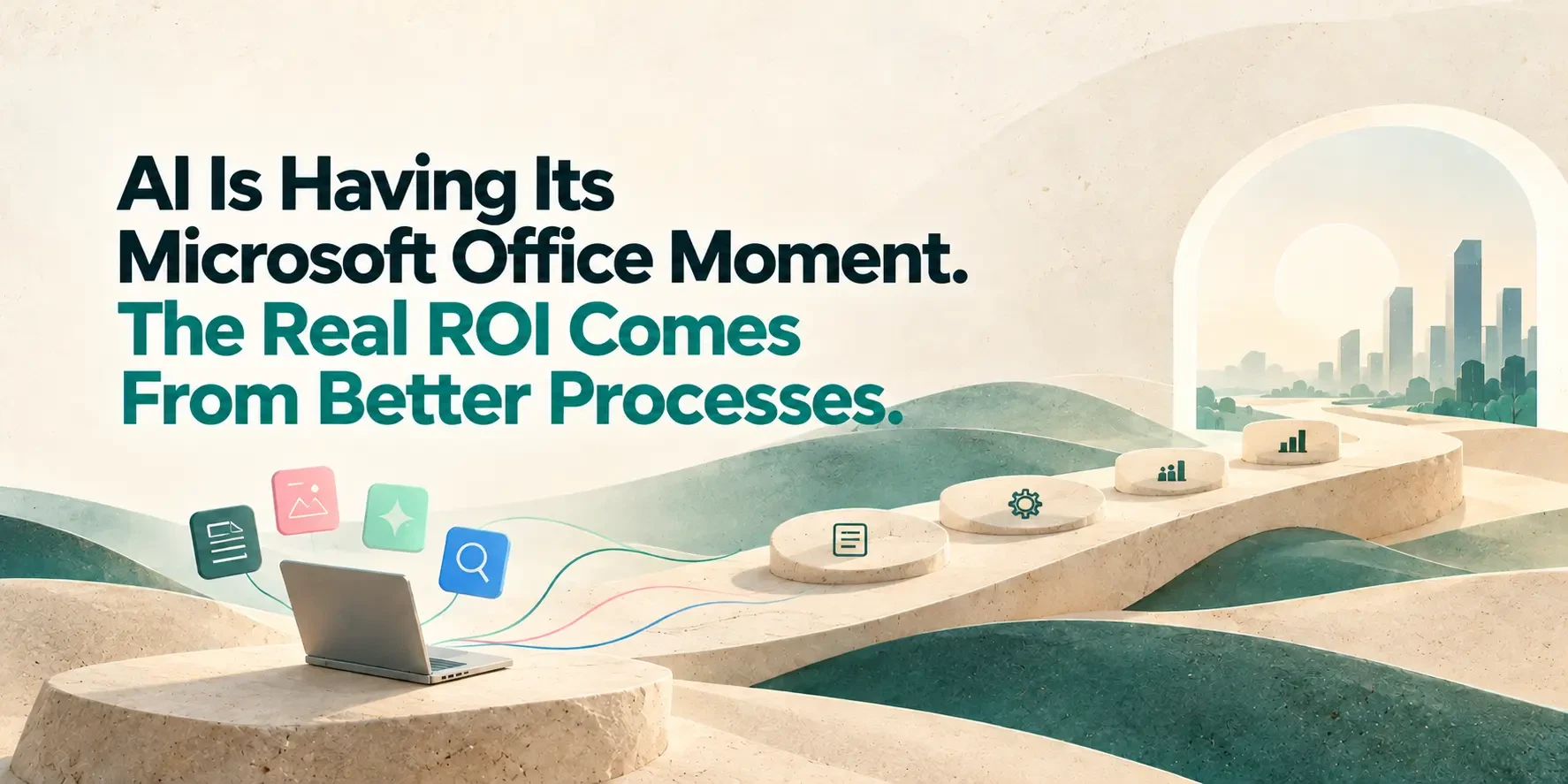
AI Is Having Its Microsoft Office Moment. The Real ROI Comes From Better Processes.
Personal tools made people faster. Process systems made organizations better.
 Vivek Satasiya8 min read
Key takeaways
- Personal AI assistants are today's Microsoft Office. They make individuals faster. They do not, on their own, make the organization better.
- Business ROI has always come from process systems. ERP and CRM delivered it, not spreadsheets. AI will follow the same pattern.
- This time the risk is higher. A spreadsheet stayed on your laptop. An AI assistant sends your data to an outside model and can take actions.
- Do not just put AI on top of old processes. Redesign the work around people and agents together. That is where the value is.
- Keep both layers. Personal AI for individual speed. A central, governed AI platform for business results.
A new AI assistant launches almost every week. The ones you already use ship new features almost every day. Assistants that write, research, build slides, browse the web and even work on your computer while you are away. Think ChatGPT, Claude, Meta's Muse, xAI's Grok Bot and OpenAI's Dots.
Now ask someone in sales, finance or marketing how they are keeping up. Most will tell you they are not. That is not because they are slow. Nobody can keep up at this pace.
So a gap is opening up. On one side is what AI tools can do. On the other is the value businesses actually get from them. The gap grows every month.
We have seen this pattern before, about thirty years ago, with Microsoft Office. That story explains where AI ROI really comes from.
The first productivity revolution was personal
Word, Excel and PowerPoint changed how work gets done. Analysts built models in hours instead of days. Managers wrote reports faster. Everyone could present.
But these tools were built for individuals. So people used them the way individuals do:
- Every team built its own spreadsheet.
- The same number lived in five files, with five different values.
- "Final_v3_REVISED.xlsx" became a running office joke.
- Important business logic sat in one person's formula, and left when they did.
Then cloud tools like Google Sheets arrived. Teams could finally work on the same file at the same time. Collaboration got much better.
Governance did not. Leaders still could not tell which number was right, who changed it, or whether the process itself had become any faster.
The lesson: better personal tools improved how people worked. They did not change how the business ran.
Where the ROI actually showed up
While Office was spreading across desks, businesses were also adopting a very different kind of software: ERP, CRM and HR systems. These are systems of record, the central systems where the business actually runs.
They did four things Office never could:
- One source of truth. Everyone works from the same customer, order and inventory data.
- Controlled access. People see and change only what their role allows.
- Processes built in. The steps are part of the system, so nobody has to remember them.
- Full traceability. Every transaction can be audited.
Thirty years later, Excel is still open on almost every desk. It never went away. But when a company shows efficiency gains on its balance sheet, those gains usually come from the system where the process lives, not from the spreadsheet beside it.
Personal tools made people faster. Process systems made organizations better.
AI is in its Excel era
Today's personal AI assistants are the new Office suite. I use them every day, and the productivity gains are real. For many tasks, a good assistant turns hours of work into minutes.
But look at how they are used across a company, and the old pattern is back:
- Results depend on the person. A skilled user gets great output. Others get average output, or give up.
- Know-how stays personal. The best prompts and workflows live in individual chat histories.
- Everyone reinvents the wheel. Ten people solve the same problem in ten different ways.
- Nobody can measure the impact. Leaders cannot point to a process that is now faster, cheaper or more accurate.
This is not a flaw in the tools. Self-serve tools give uneven results by design. That works for individuals. It falls short for a business that needs repeatable results.
Ask yourself: is AI changing how your business runs, or just how quickly some of your people work?
Why this time carries more risk
The Office comparison holds up well, except in one place. That place matters a lot.
An Excel file sat on your laptop. At worst, it held a wrong number. An AI assistant is different:
- It sees your data. Whatever people paste, upload or connect: customer lists, contracts, pricing, financials.
- That data leaves the building. It is sent to a model running on someone else's servers.
- It can act. Assistants can now browse the web, use other tools and take actions on a user's behalf.
When every employee picks their own AI tool, you get shadow IT that can read your data and act on it.
The difference in one line: ungoverned spreadsheets cost businesses consistency. Ungoverned AI can cost them data, compliance and customer trust.
The Office moment vs. the ERP moment
The two stages solve different problems. You need both, but only one shows up on the balance sheet.
| The Office moment (personal AI) | The ERP moment (enterprise AI platform) | |
|---|---|---|
| Built for | Individuals | The whole organization |
| Main benefit | Personal speed | Process efficiency and business ROI |
| Results | Depend on each user's skill | Consistent and repeatable |
| Knowledge | Stays in personal chats | Captured once, shared by all |
| Data | Shared ad hoc with outside tools | Brought in once, with access controls |
| Policies | Up to each user | Built in as guardrails |
| Oversight | Little or none | Humans approve key decisions; every action is logged |
| Measurement | Hard to prove | Tied to process metrics like cycle time, cost and accuracy |
How to move from the Office moment to the ERP moment
One warning before the steps. The lesson from ERP is not "buy a central system." Many ERP projects failed because they simply digitized broken processes. AI will repeat that mistake if you let it.
A platform without process redesign is just expensive automation of a bad workflow.
These are the five steps that separate AI adoption from AI transformation:
- Start with a process, not a tool. Pick one workflow with clear volume, cost or delay, such as invoice processing, quote preparation or claims review. Measure how it runs today.
- Capture what your best people know. Write down the rules, exceptions and judgment calls your experienced staff carry in their heads. This is what your agents will work from.
- Redesign the work for people and agents together. Decide which steps agents handle, which steps people handle, and where a human must approve before anything moves.
- Centralize data, policies and control. Connect agents to your systems once, with role-based access, guardrails and a full record of every action.
- Prove it, then scale it. Compare the new process against the old numbers. Expand to the next process only once the first one delivers.
Keep the personal tools. Just don't stop there.
This is not an argument against personal AI assistants. Keep them, and encourage your people to use them well.
Excel survived ERP. Personal AI will survive enterprise AI platforms. Healthy organizations will run both layers.
The mistake is treating individual speed as organizational transformation. Here is a simple test for your leadership team:
If every personal AI license in your company disappeared tomorrow, which business process would actually run differently?
If the honest answer is "none," your company is still in its Excel era.
How Avesta AgentOS helps
We built Avesta AgentOS for the ERP moment of AI. It is a central platform where your knowledge, data, people and AI agents work together on real business processes.
- Connects to the systems you already run. Agents work across your ERP, CRM, HRMS and ITSM, instead of living in separate chat windows.
- Keeps humans in control. People review and approve the decisions that matter, and every agent action is logged.
- Governs data and access centrally. Role-based access and policy guardrails are set once, for everyone.
- Runs where you need it. The full platform can be deployed on-premise, and it is not tied to a single AI model vendor.
We don't just install software. We work with your team using the AgentOps Loop: Embed, Codify, Prioritize, Build, Prove, Scale. It is the same process-first approach described above, one workflow at a time.
Wherever you are today, there is a clear next step. If your teams use AI on their own, start with Pathway Foundations. If you already know which process to fix, start with AI Kickoff. Either way, talk to the Avesta Labs team.
Frequently asked questions
- What is the "Microsoft Office moment" of AI?
- It is the stage most businesses are in today. Personal AI assistants, like Office in the 1990s, make individuals faster. But they do not change how the business runs as a whole, so the gains rarely show up in company-wide results.
- Are personal AI assistants like ChatGPT or Claude worth it for businesses?
- Yes. They save real time on writing, research, analysis and presentations. The value grows when teams are trained, follow shared practices and work within clear rules on data and cost.
- Why don't personal AI tools deliver ROI across the organization?
- Because the results depend on each person's skill and habits. Know-how stays in individual chats, teams solve the same problems in different ways, and no single process changes. Business ROI comes from redesigning processes, not from faster individuals alone.
- What is an enterprise AI platform?
- It is a central system where AI agents work on business processes alongside your people. It brings together your data, knowledge and policies, controls who can access what, and keeps humans in charge of key decisions. Every agent action is logged and measured.
- Is it risky for employees to use personal AI tools with company data?
- It can be. Data shared with an AI assistant usually goes to a model hosted outside your company, and some assistants can browse the web or take actions. A clear usage policy, approved tools and training reduce the risk significantly.
- Do we need to replace our ERP or CRM to adopt enterprise AI?
- No. An enterprise AI platform works on top of the systems you already run. AI agents read from and act in your ERP, CRM and other systems, within the access you give them.
- How do we measure the ROI of AI?
- Measure processes, not usage. Pick a workflow, record how long it takes, what it costs and how accurate it is today. Then compare the same numbers after AI agents are introduced.
- Where should a business start?
- Start where you are. If people already use AI on their own, train them and set shared practices first. If you have a clear, high-volume process that slows you down, that is your first candidate for an AI co-worker.
Share this article